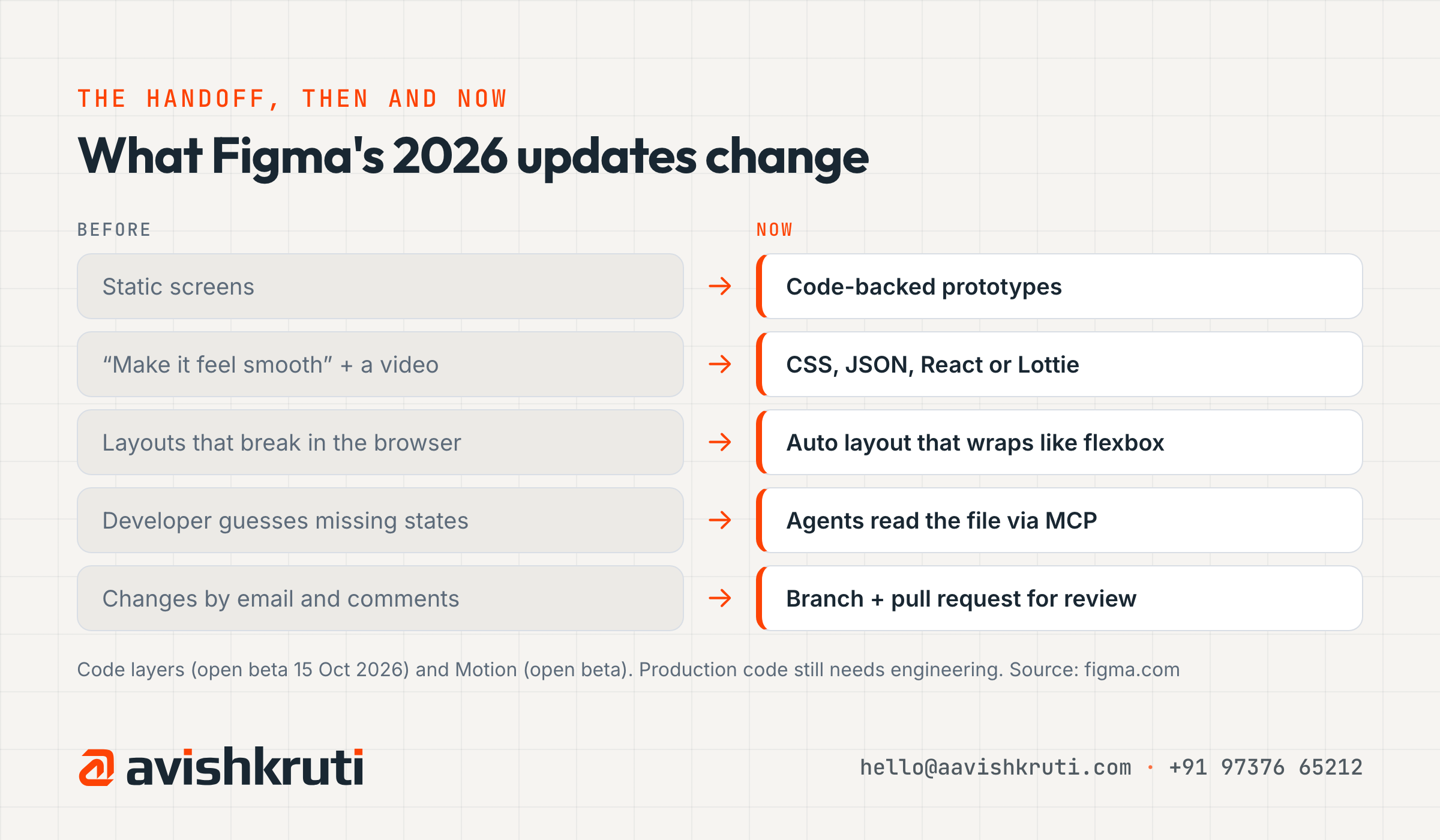
Most delays between design and development happen in the handoff. A designer hands over static screens. A developer guesses the spacing on a smaller screen, the hover state nobody drew, and how the menu was meant to animate. Then the review round finds the guesses.
Figma has spent 2026 shrinking that gap. The latest step came on 15 October, when code layers went into open beta. Here's what changed, what it means for a company paying for design and development, and what it doesn't fix.
What did Figma change in 2026?
Three things matter for handoffs: code layers, Motion, and layout that behaves more like CSS.
Code layers are prototypes on the Figma canvas that are backed by real code. Designers and developers can work on the same prototype in the same file. You can import "a supported, lightweight prototyping codebase" from GitHub or a local folder, and when you import from GitHub, changes go back to the repository as a branch and a pull request for review (Figma). Code layers use AI credits, but on paid plans, creating and editing them is free through 4 November 2026.
Motion puts animation in the design file. "Motion is in open beta", and in Dev Mode developers can inspect the timeline and copy animation code in CSS, JSON, or "framework-ready React and motion.dev" (Figma). On 30 September, Motion added Lottie and dotLottie export (release notes).
Layout closer to CSS. On 25 September, auto layout gained vertical wrap, which Figma says "Matches CSS flexbox behavior" (release notes). Fewer layouts that work in Figma and break in the browser.
Two more pieces sit underneath. The Figma MCP server "gives AI agents the design context they need to generate code from your Figma files" (Figma developers). Code Connect links the components in your code repository to the matching components in Figma's Dev Mode (Code Connect).
What changes in the handoff?
Fewer guesses, and earlier conversations about what's actually buildable.
- Prototypes behave like the product. A code-backed prototype can hold real states, real data shapes and real interactions. Usability tests find problems before a sprint is spent on them.
- Animation arrives as code, not a video. Instead of a screen recording and "make it feel smooth", a developer copies CSS or React, or takes a Lottie file.
- Designers' changes arrive as pull requests. Developers review a branch the way they review each other's work. Nothing lands in the shared project without that review.
- AI coding tools read the design directly. Through the MCP server, a coding agent can see the components, variables and layout in the file, not a screenshot of it.
What doesn't change?
Production engineering. A code layer is a prototype, and Figma describes the codebases it imports as lightweight prototyping code. Your live product still needs architecture, accessibility, performance work, security, tests and someone accountable for all of it.
Three more cautions:
- It's beta. Code layers and Motion are both in open beta. Features and limits can change, so don't build a delivery process that depends on one detail.
- AI credits cost money. The Figma agent has used AI credits since 6 October, and code layers will after 4 November on paid plans. Check your plan's monthly allowance before the whole team starts experimenting.
- A messy file stays messy. An AI agent reading a file with unnamed layers, detached components and hard-coded colours will produce messy code, faster.
Who needs which Figma seat?
Seats decide who can do what, so check them before you plan the workflow (Figma pricing).
- Full seat: everything, including Figma Design, Motion and Dev Mode. The Motion beta is available on Full seats.
- Dev seat: full Dev Mode, plus view and comment access in design files. Enough for most developers inspecting and copying code.
- Collab seat: basic inspection only.
Code Connect needs a Dev or Full seat on the Professional, Organization or Enterprise plan.
What should a small team do this month?
Six steps, roughly in this order:
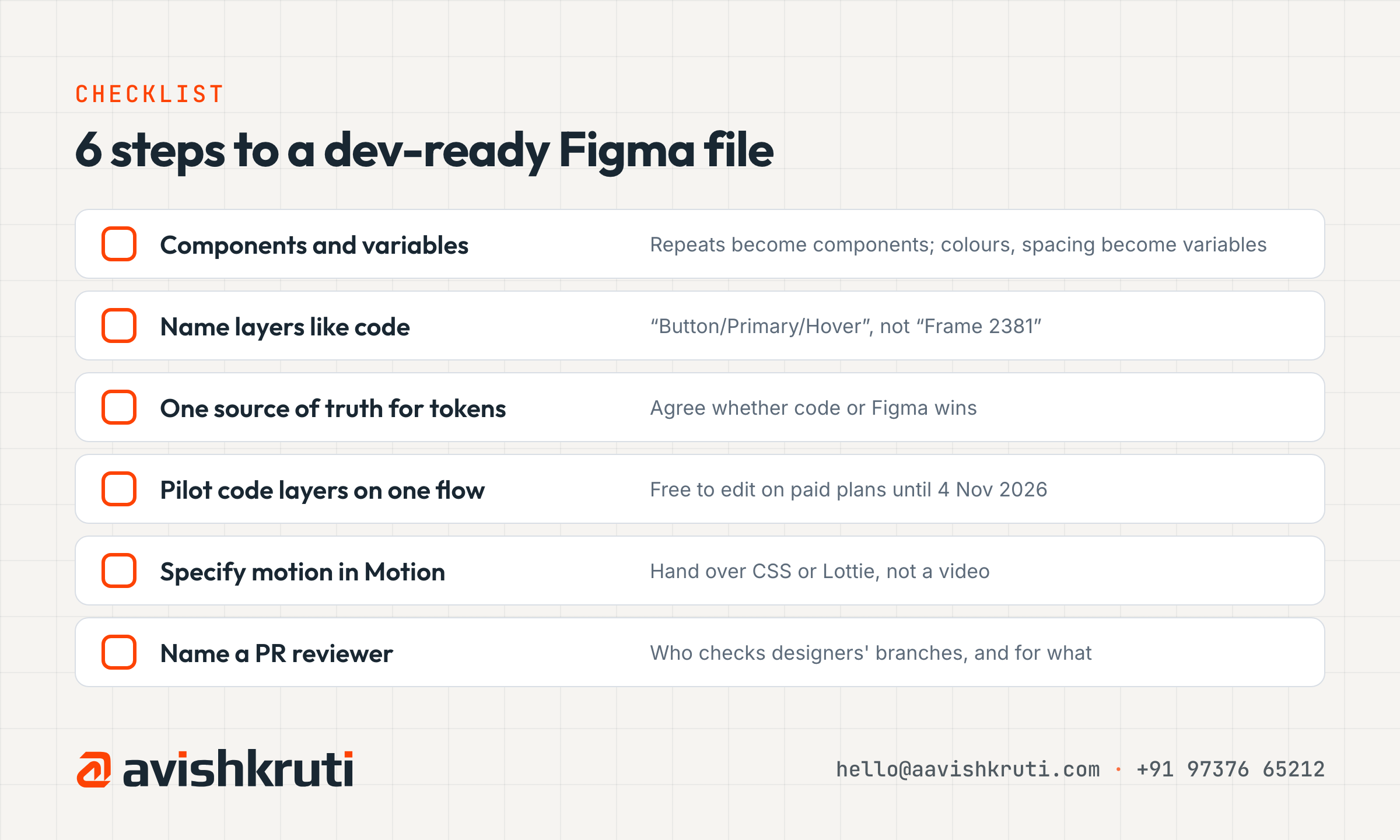
- Clean the design system first. Turn repeated elements into components, and colours, spacing and type into variables.
- Name layers the way developers name things. "Button/Primary/Hover" beats "Frame 2381". Agents and people both read the names.
- Pick one source of truth for design tokens (colours, spacing, type), and agree whether code or Figma wins when they disagree.
- Try code layers on one small flow (a sign-up or a pricing page) while editing is free on paid plans, through 4 November.
- Specify motion in Motion. Hand developers CSS or a Lottie file, not a video.
- Decide who reviews designers' pull requests, and what they check for.
Frequently asked questions
What are Figma code layers?
Code layers are prototypes on the Figma canvas backed by real code, which designers and developers can edit together. They went into open beta on 15 October 2026, and changes can be pushed back to GitHub as a branch for review.
Do Figma code layers replace front-end developers?
No. Code layers are for prototyping. Production apps still need engineering for architecture, accessibility, performance, security and testing. Code layers reduce guesswork in the handoff; they don't remove the build.
Can Figma Motion export Lottie or CSS animations?
Yes. Developers can copy Motion animations as CSS, JSON or React in Dev Mode, and Lottie and dotLottie export was added on 30 September 2026. Motion is still in open beta.
Which Figma seat do developers need?
A Dev seat gives full Dev Mode plus view and comment access in design files. Code Connect needs a Dev or Full seat on the Professional, Organization or Enterprise plan.
How should a small team prepare its Figma files for AI coding tools?
Use components and variables, name layers clearly, and keep one source of truth for design tokens. AI agents read the file's structure, so a tidy file produces better code.
How we work
Our designers and developers sit in the same team, so the handoff is a conversation, not a document thrown over a wall. We design in Figma with developers in the file from the first sprint, and the source Figma files are yours once the project is paid for. One team, one conversation, no handoffs.
Planning a build from a Figma file? Share it and we'll tell you what will slow developers down, and how to fix it before the first sprint. Talk to our UI/UX team →
Aavishkruti Solutions is a HubSpot Solutions Provider and software engineering company founded in 2021 in Ahmedabad, India, serving clients mainly in the US, UK and Australia.