
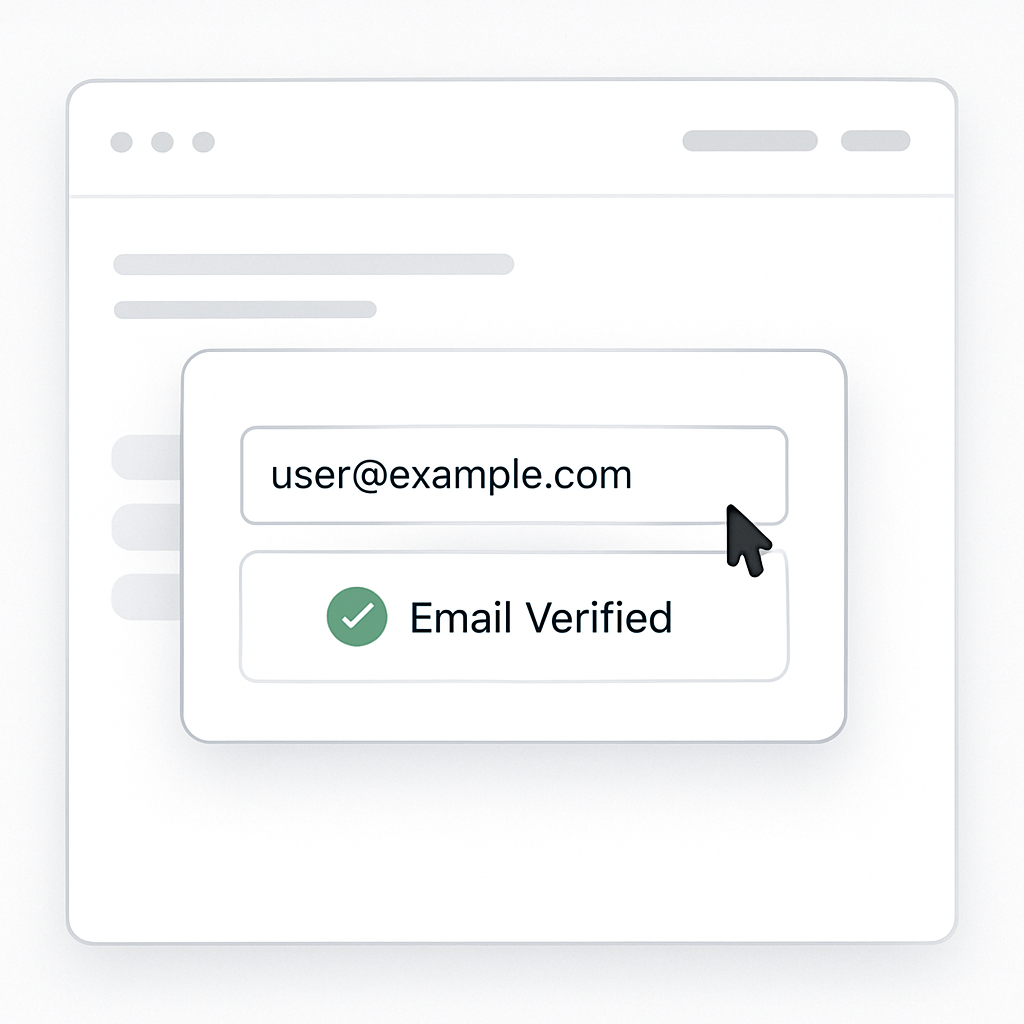
SIMCON: Custom Email Validation
Improving Lead Quality, Security, and User Experience with a Token-Based Validation Workflow
Client Overview

SIMCON is a global leader in plastic injection moulding simulation software, trusted by engineering teams across industries such as aerospace, automotive, and healthcare.
Their software is used to solve some of the most complex manufacturing challenges, making data accuracy, security, and qualified user access critical to their digital growth strategy.
As SIMCON scaled its inbound marketing and lead generation through HubSpot, ensuring that only valid, genuine email addresses entered their CRM became a top priority.
The Challenge
SIMCON faced a growing challenge common to high-value B2B SaaS platforms:
- Inaccurate or mistyped email submissions
- Spam and bot-driven form entries
- Leads progressing through workflows without valid email confirmation
- Reduced effectiveness of sales and onboarding communications

Additionally, SIMCON wanted to:
- Validate emails without external third-party tools
- Maintain a smooth user experience
- Fully leverage HubSpot CRM, CMS, and workflows
- Avoid friction-heavy validation steps that could hurt conversions
Standard HubSpot forms and workflows did not offer a native, token-based email validation system that met these requirements.
Our Solution
We designed and implemented a custom email validation system inside HubSpot, built specifically for SIMCON's requirements.
The entire experience was delivered through a popup form, ensuring minimal disruption to the user journey while maintaining robust validation logic.
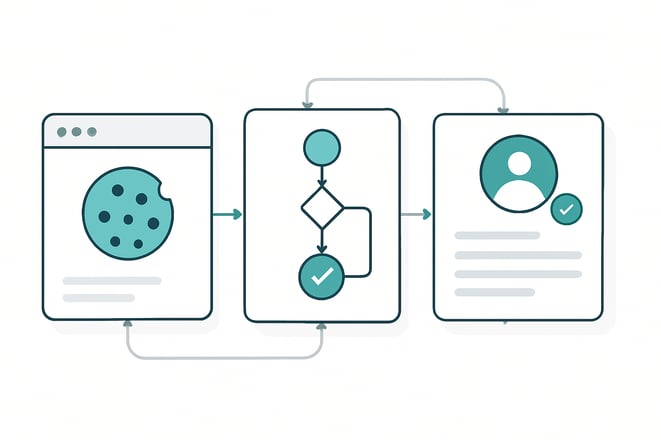
How the System Works
1. Email Submission & Token Generation
When a user submits their email through the popup form:
- A random 8-character token is generated automatically
- The following custom contact properties are created and stored in HubSpot:
- Validation Token
- Email Validation Status (default:
false) - Timestamp (used for optional expiry logic)
To ensure a seamless front-end experience:
- The same values are also stored in browser cookies
- This allows session-based verification without repeated CRM lookups
2. Automated Email Dispatch via HubSpot Workflow
CRM Customization & UI Extensions
Immediately after submission:
- A HubSpot workflow is triggered
- The user receives a validation email containing a secure link:
https://yourdomain.com/validate?email=user@example.com&token=abc123xy
This approach ensured:
- No external email services were required
- Full traceability inside HubSpot
- Easy reporting on validation success rates
3. Custom Validation Landing Page (HubSpot CMS)
The validation link directs users to a custom-built HubSpot CMS page.
On page load:
- A script extracts the
emailandtokenfrom the URL - The system verifies the combination against:
- Stored cookies
- HubSpot contact properties
This dual-layer check improves reliability while maintaining performance.
4. Token Verification Logic
If the email and token match:
- The contact's Email Validation Status is updated to
true - The user sees a success confirmation
- Optionally, they are redirected to a welcome or next-step page
If the token is invalid or expired:
- A clear error message is displayed
- The user is given an option to restart the validation process
This ensures clarity without frustrating the user.
5. Post-Validation User Experience
Once validation is complete:
- Users no longer see email validation prompts
- Conditional rendering is applied using:
- Cookie/session logic
- HubSpot CMS smart content rules
This prevents repetitive validation requests and keeps the experience clean and professional.
6. Resend Logic & Timeout Handling
- To handle email delivery delays:
- After form submission, users are prompted to wait 60 seconds
- If no email is received:
- A "Resend Email" option becomes available
- A new token can be generated if needed
Why a Custom Solution (Instead of a Plugin)?
SIMCON required:
- Full control over validation logic
- Tight integration with HubSpot CRM and workflows
- No dependency on third-party email verification tools
- A scalable system adaptable to future onboarding flows
A custom-built solution allowed:
- Complete ownership of data
- Flexibility in UX and logic
- Seamless alignment with existing HubSpot processes
Scale & Impact
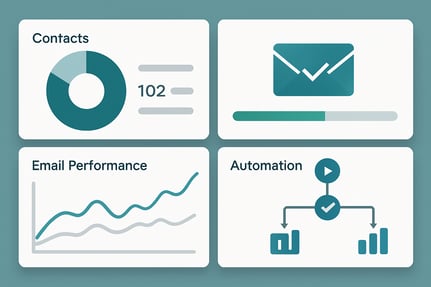
Improved Data Quality
- Significant reduction in invalid and mistyped email addresses
- Cleaner CRM data for sales and marketing teams
Better Security & Trust
- Only verified users progressed into key workflows
- Reduced spam and bot-driven submissions
Seamless User Experience
- Popup-based validation avoided page disruption
- Clear feedback at every step of the process
Fully Native to HubSpot
Built entirely using HubSpot:
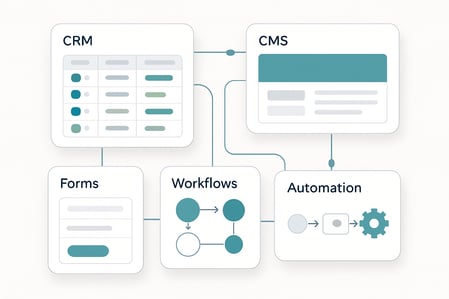
- Forms
- Workflows
- CRM properties
- CMS pages
Conclusion
This project demonstrates how HubSpot can be extended beyond its default capabilities to support secure, enterprise-grade user validation workflows.
By combining HubSpot's native tools with custom logic, SIMCON gained:
- Higher-quality leads
- Greater confidence in their CRM data
- A scalable validation framework for future growth
Testimonials
Trusted by Businesses Like Yours
Hear from our clients and see how we’ve helped businesses just like yours achieve their goals.

Aviskruti Solutions delivered beyond expectations! Their professionalism, timely delivery, and stunning website design left me truly impressed.
Working with Avishkruti has been an incredible journey. Their dedication and expertise have been invaluable in getting us to where we are today. I'm excited about the future developments and innovations we can achieve together.
Avishkruti has delivered outstanding service, particularly in developing flexible and reusable website components. They're always helpful, available, and nothing is ever too much trouble for them. Great job!