HubSpot works exceptionally well out of the box — until your business model doesn’t.
As soon as you introduce complex relationships, region-specific workflows, product hierarchies, or custom operational processes, standard objects like Contacts, Companies, and Deals start to feel limiting.
That’s where HubSpot custom objects come in.
At Aavishkruti Solutions, we design and implement custom HubSpot objects that help B2B and SaaS teams model real-world business complexity directly inside HubSpot — without breaking reporting, automation, or integrations.
What Are HubSpot Custom Objects?
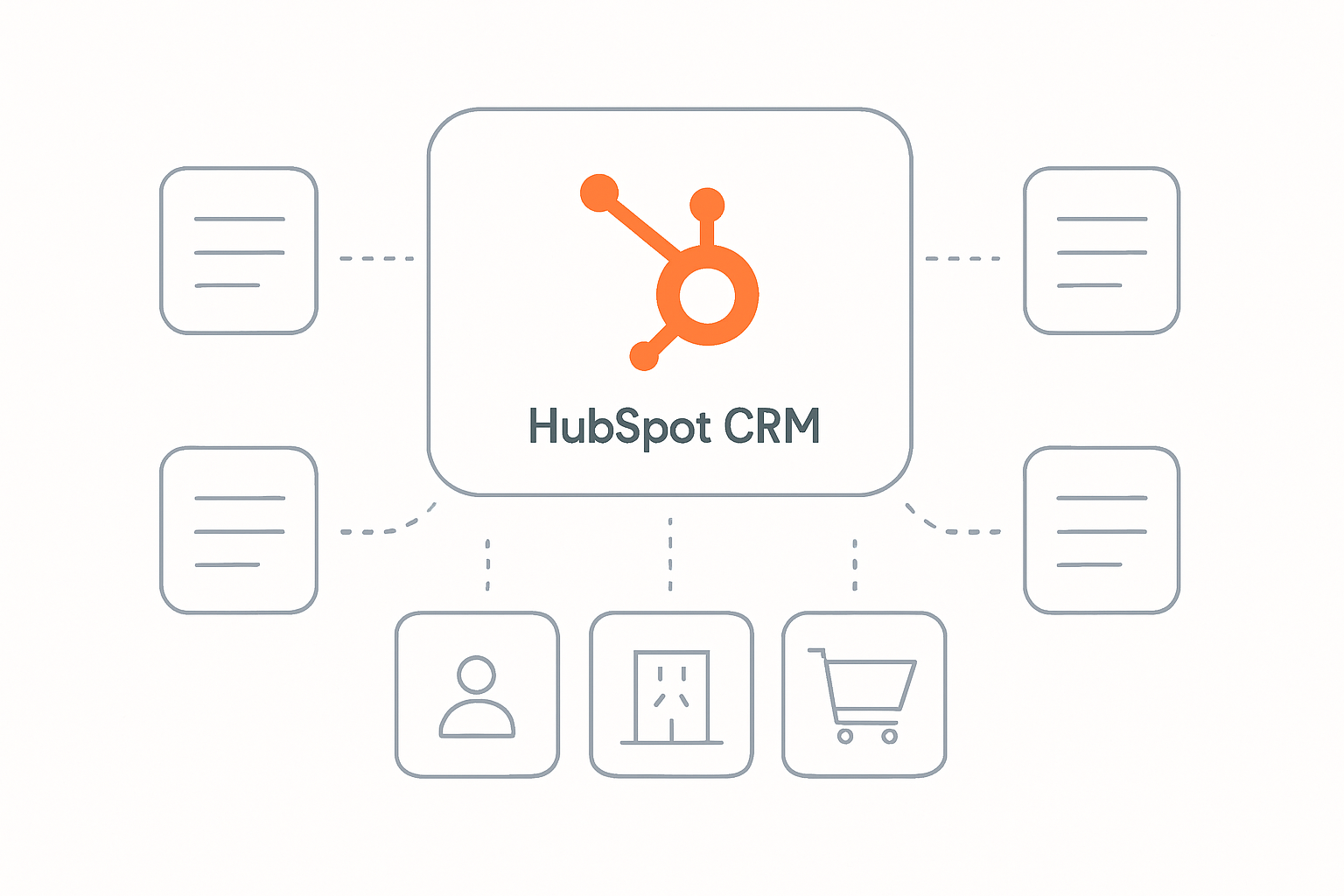
HubSpot custom objects allow you to define entirely new data entities in your CRM that reflect how your business actually operates.
Instead of forcing everything into Deals or Companies, custom objects let you model things like:
- Subscriptions
- Products
- Assets
- Orders
- Licenses
- Partners
- Regions
- Installations
Each custom object can have its own properties, associations, workflows, and reports.
Tip: Custom objects are not replacements for standard objects — they extend HubSpot’s data model when standard objects are no longer sufficient.
When Should You Use Custom Objects?
Not every HubSpot portal needs custom objects. You should consider them when:
- Your business model includes entities beyond contacts and deals
- You manage many-to-many relationships
- Your sales or ops team tracks non-deal-based workflows
- Reporting feels forced or inaccurate
- Integrations require structured data models
Common Custom Object Use Cases
- SaaS subscription management
- ERP or product catalog synchronization
- Multi-region pricing structures
- Partner or reseller programs
- Asset and equipment tracking
- Order management workflows
HubSpot Custom Objects vs Standard Objects
| Standard Objects | Custom Objects |
|---|---|
| Fixed structure | Fully configurable |
| Limited associations | Complex relationships |
| Generic workflows | Process-specific automation |
| Basic reporting | Advanced operational reporting |
The goal isn’t to replace HubSpot’s standard objects — it’s to extend them responsibly.
Designing a Scalable Custom Object Setup
A poorly designed custom object can introduce more complexity than it solves. A scalable setup focuses on clarity, ownership, and long-term reporting.
1. Clear Object Responsibility
Each custom object should represent one real-world concept — not a workaround or dumping ground.
2. Thoughtful Associations
Define association direction, relationship cardinality, and reporting implications upfront.
3. Property Strategy
Avoid overloading objects with unnecessary fields. Use calculated properties, read-only sync fields, and controlled inputs wherever possible.
4. Workflow Ownership
Each object should have dedicated automation, lifecycle logic, and exception handling.
Automation, Reporting & Integrations
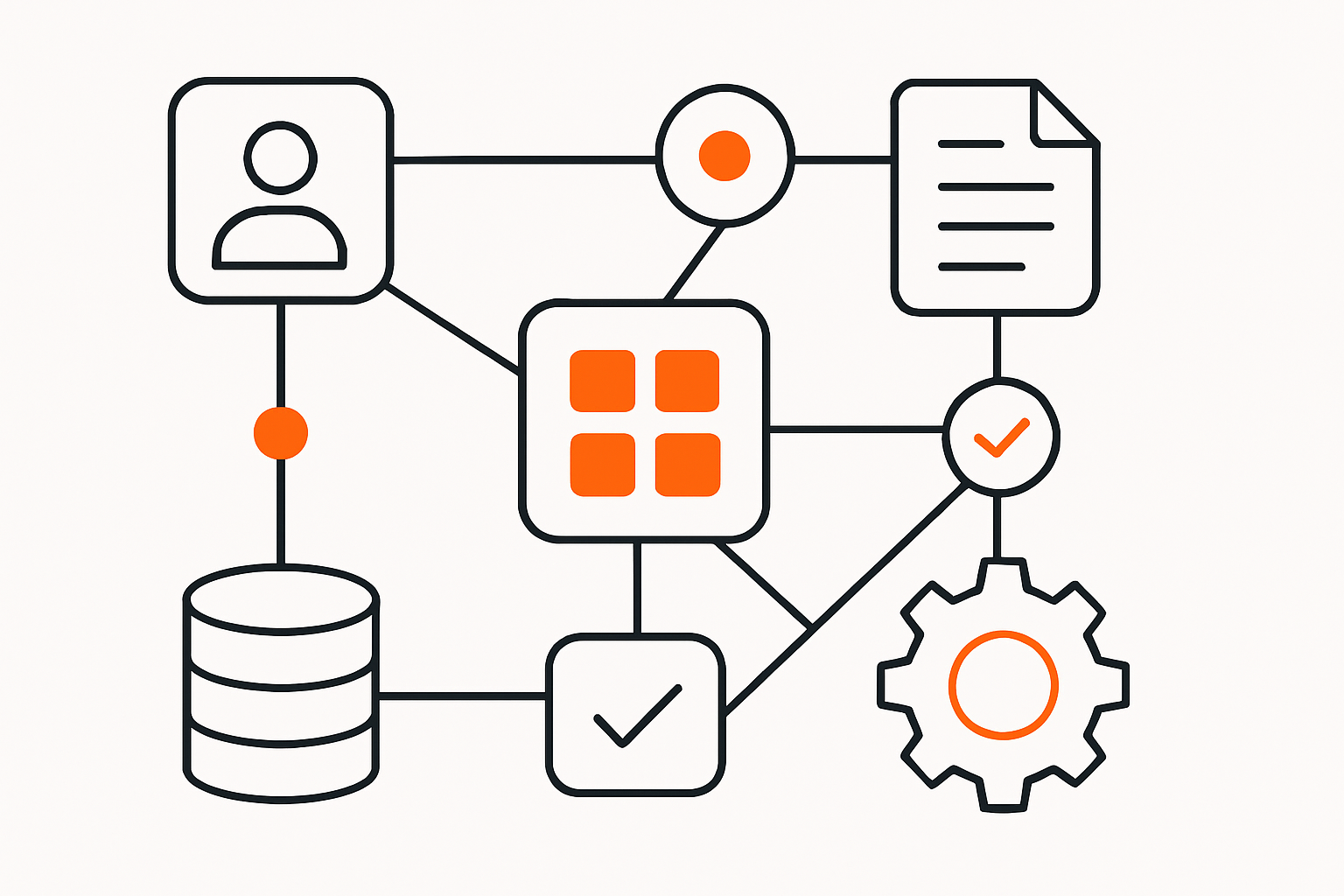
Custom objects unlock advanced automation capabilities inside HubSpot:
- Object-specific workflows
- Cross-object triggers
- Lifecycle automation
- Role-based task assignment
Reporting Benefits
With proper setup, custom objects enable accurate operational dashboards, region-wise reporting, and custom datasets for analytics.
Integration-Friendly by Design
Well-structured custom objects simplify ERP, billing, and third-party integrations while maintaining data consistency across systems.
Migration & Governance Considerations
Migrating to custom objects requires careful planning. This includes data normalization, association mapping, validation logic, and permission controls.
Without governance, even the best custom object architecture can degrade over time.
Final Thoughts
HubSpot custom objects are one of the platform’s most powerful features — but only when designed with intention.
When implemented correctly, they improve reporting accuracy, enable scalable automation, and reflect how your business truly operates.